MyObservability
OpenSearch Lab setup
You can install OpenSearch in your docker environment
I have steup the lab in Fedora which already have docker installed
Step 1: Ensure vm.max_map_count is set to at least 262144
sudo swapoff -a
echo "vm.max_map_count=262144" | sudo tee -a /etc/sysctl.conf
sudo sysctl -p
Step 2: Create a folder as per your convinence
Step 3: create a simple docker-compose.yml
Note: Change password field
services:
  opensearch-node1:
    image: opensearchproject/opensearch:latest
    container_name: opensearch-node1
    environment:
      - cluster.name=opensearch-cluster
      - node.name=opensearch-node1
      - discovery.type=single-node
      - bootstrap.memory_lock=true
      - OPENSEARCH_JAVA_OPTS=-Xms1g -Xmx1g
      - OPENSEARCH_INITIAL_ADMIN_PASSWORD=<<Your password>>
      memlock:
        soft: -1
        hard: -1
      nofile:
        soft: 65536
        hard: 65536
    volumes:
      - opensearch-data1:/usr/share/opensearch/data
    ports:
      - "9200:9200"
      - "9600:9600"

  opensearch-dashboards:
    image: opensearchproject/opensearch-dashboards:latest
    container_name: opensearch-dashboards
    ports:
      - "5601:5601"
    environment:
      - OPENSEARCH_HOSTS=["https://opensearch-node1:9200"]
    depends_on:
      - opensearch-node1

volumes:
  opensearch-data1:
Note:
discovery.type=single-nodeis the documented way to avoid bootstrap failures for a single-node deployment.9200is the REST API port and9600is used for performance analyzer/metrics in the official examples.OPENSEARCH_INITIAL_ADMIN_PASSWORDis required for fresh installs in newer OpenSearch versions when using the demo security setup.
Step 4: Start & check with docker-compose
docker compose up -d
docker compose ps
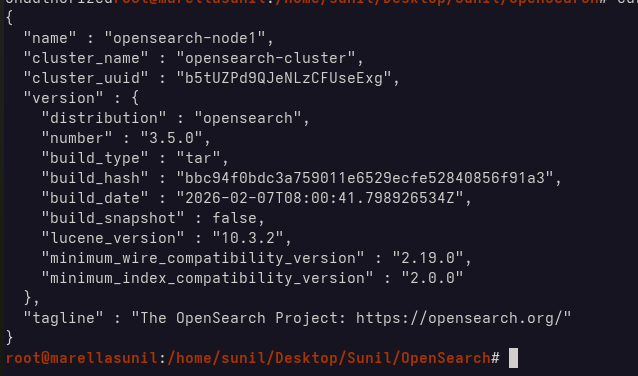
Step 5: Check if it is working
curl -k -u admin:YourStrongAdminPassword123! https://localhost:9200
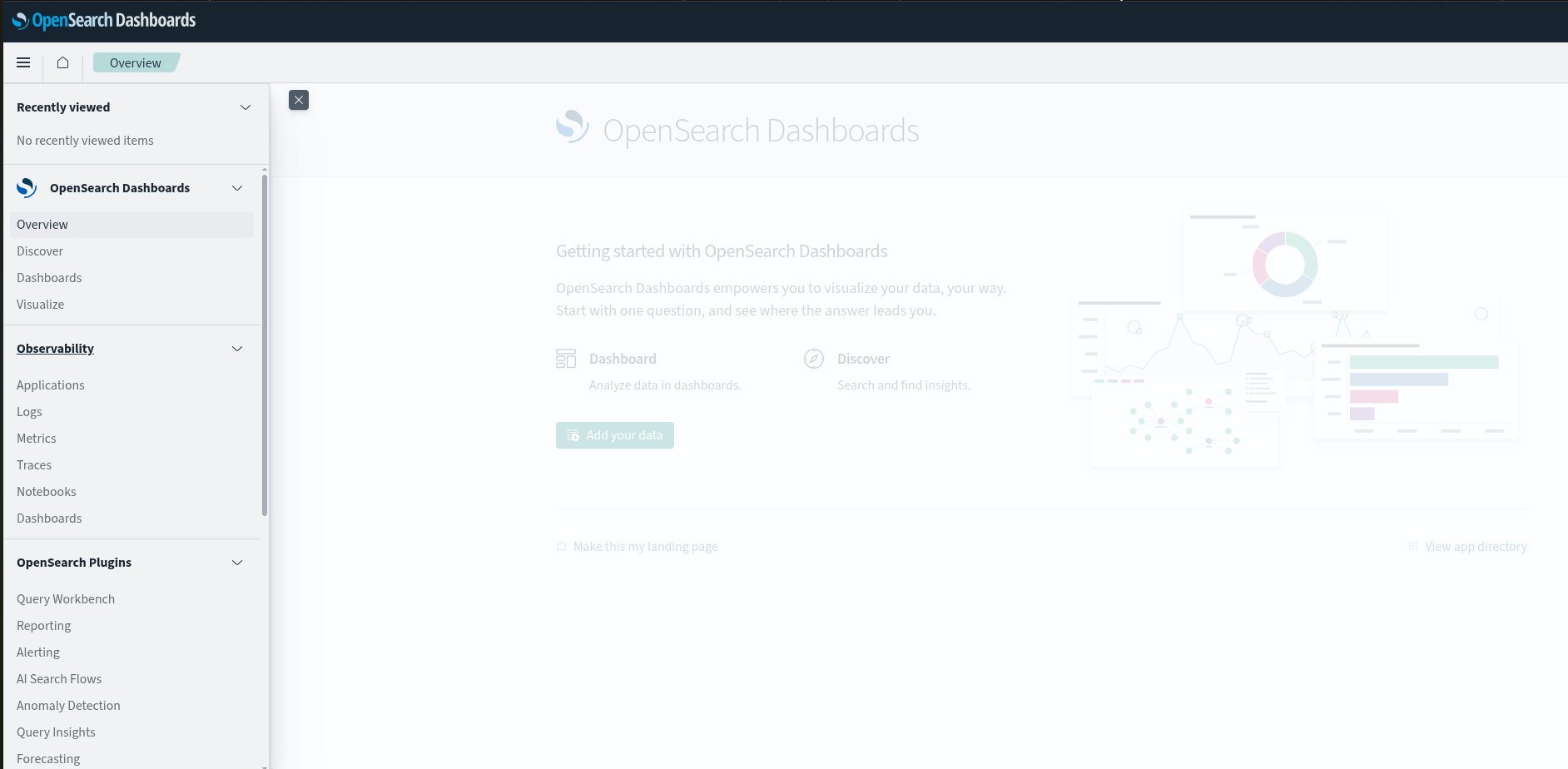
Step 6: Open in your browser using http://localhost:5601
You see page like this

Next Page: Introduction
OpenSearch : Main Page